
See All E-Learning Options
Welcome to Trakstar Hire!
Learning a new software platform can feel overwhelming, but Trakstar Academy is a great place to get started. Our e-learning courses are designed to help you build a strong understanding of Trakstar Hire and become productive quickly.
We recommend beginning with the online training courses available in Trakstar Academy. These courses are tailored to different user roles, making it easy to find the training that's most relevant to your responsibilities. You can enroll in these here.
Choose the right course for your role
Select the training that best matches how you'll be using Trakstar Hire.
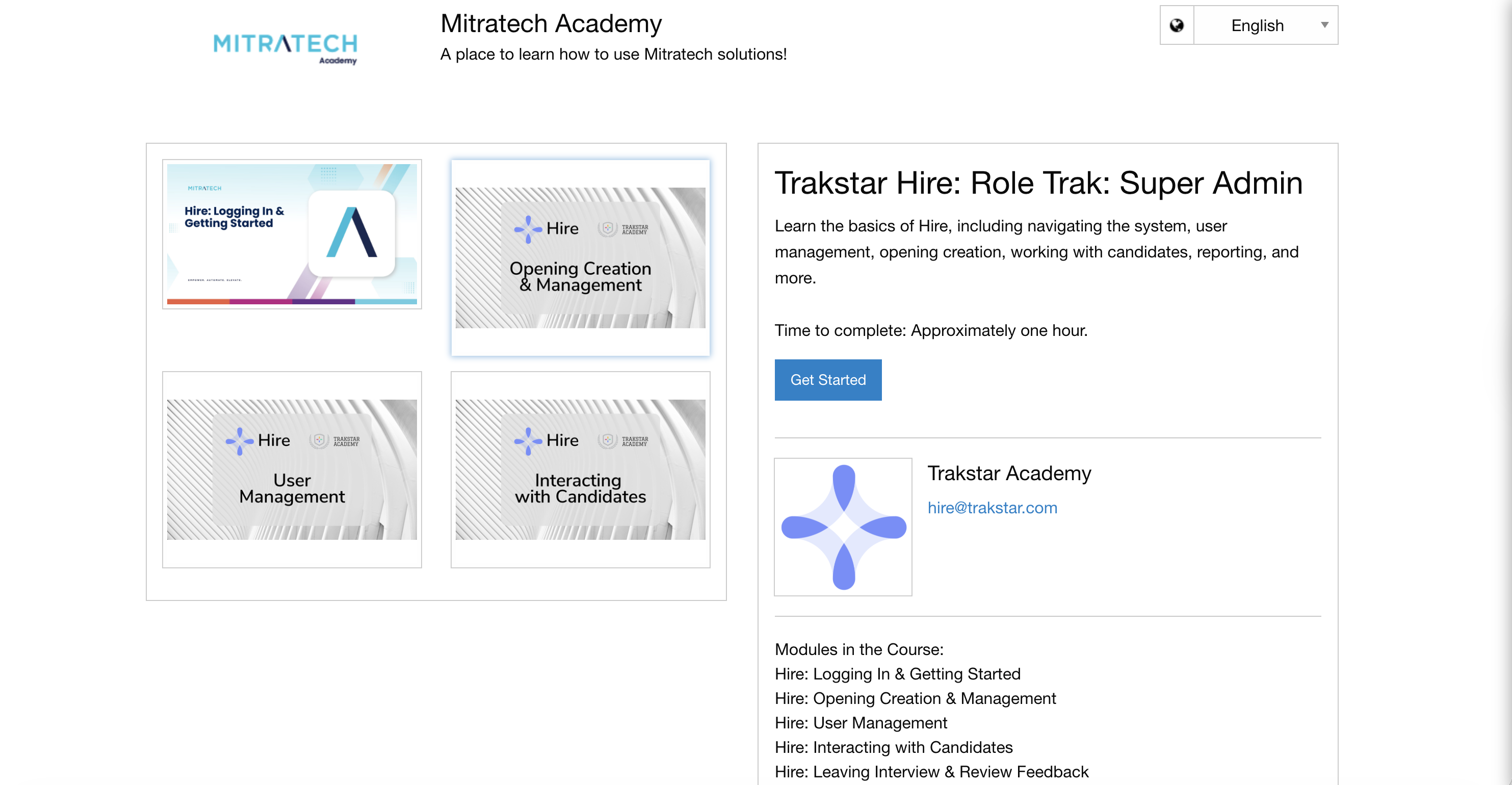
Super Admin
Choose this training if you:
- Manage the hiring process for your organization.
- Need a comprehensive understanding of the system.
- Recently upgraded your account and want to learn about new features.
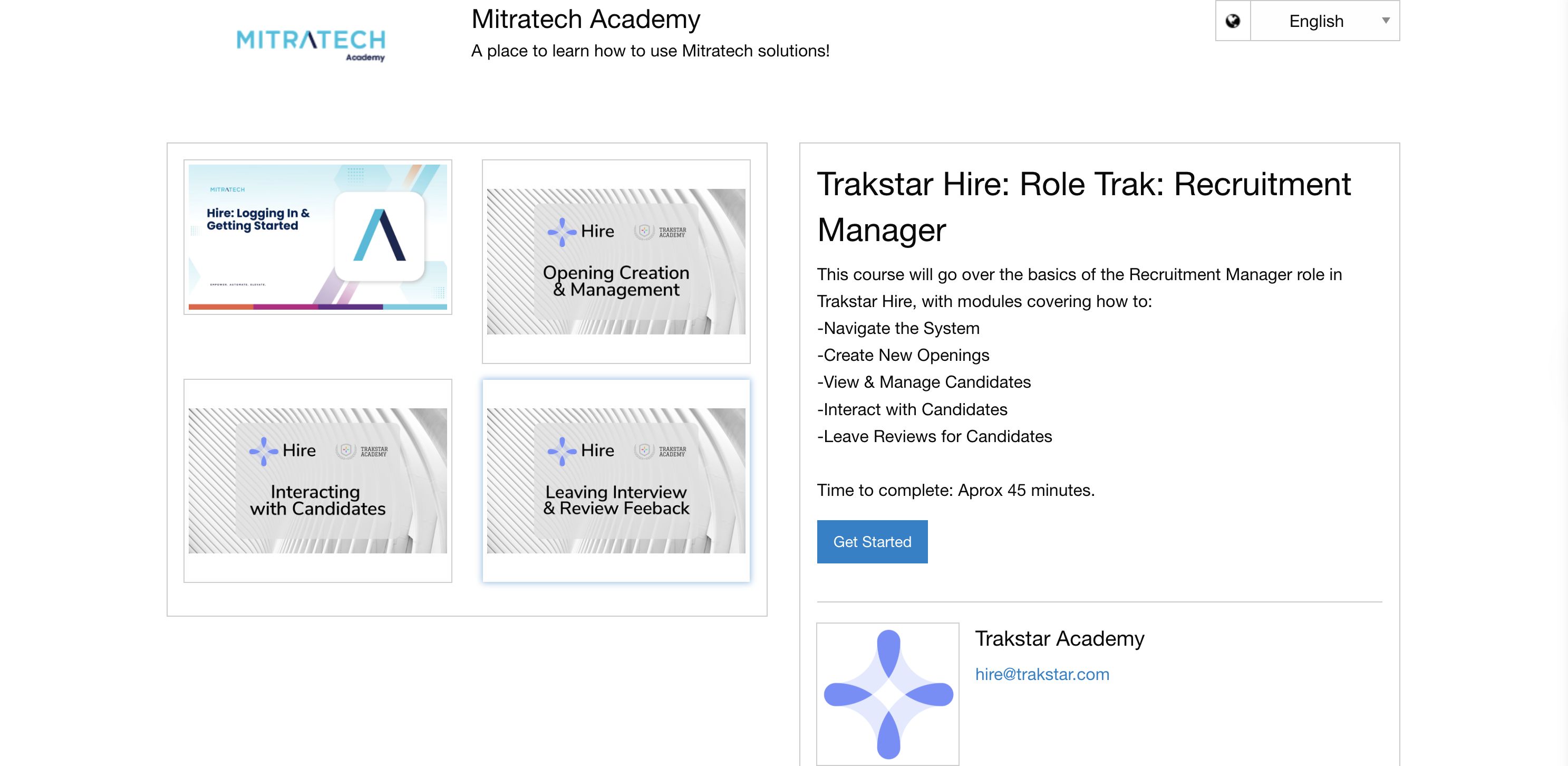
Recruitment Manager or Recruiter
Choose this training if you:
- Create and manage job openings.
- Review and manage candidates throughout the hiring process.
- Work directly with recruiting workflows.
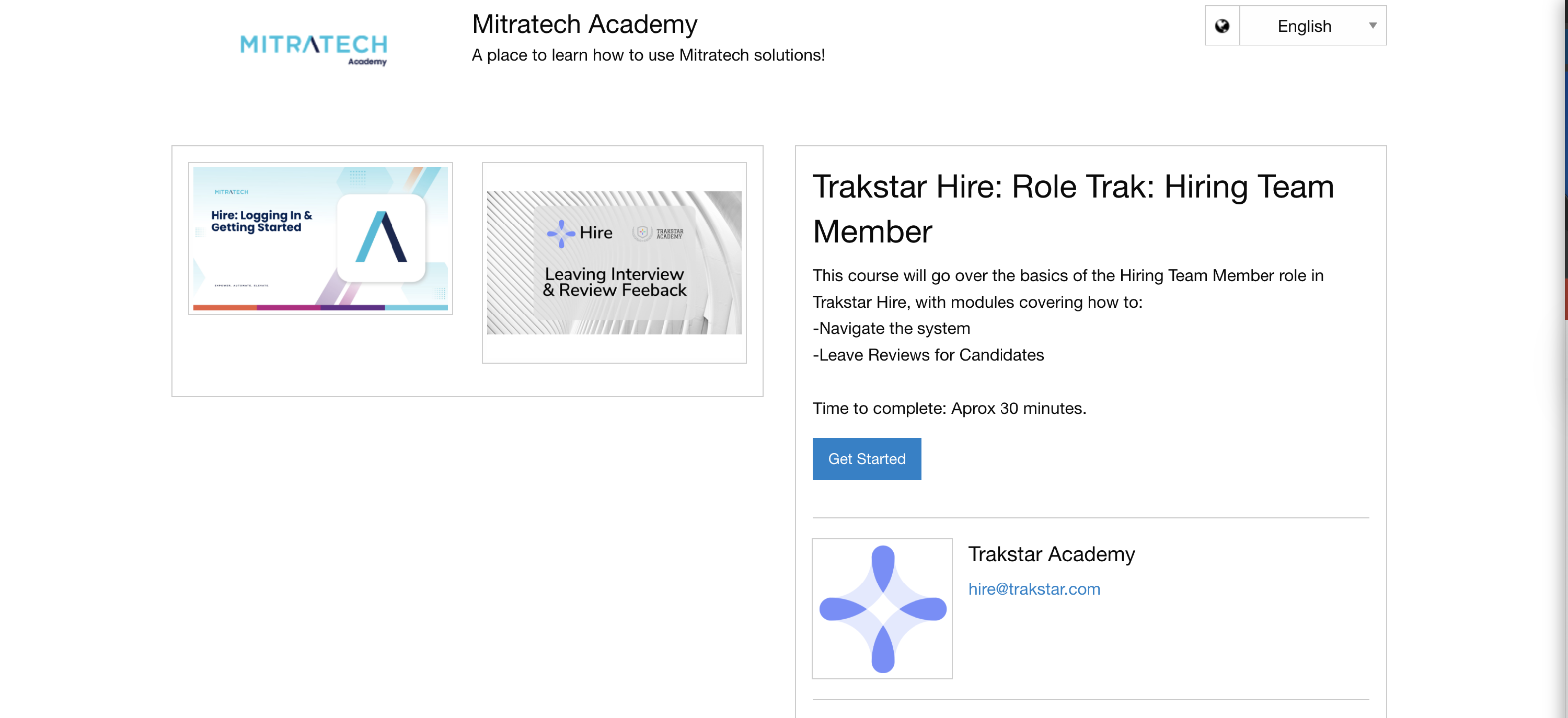
Hiring Team Manager
Choose this training if you:
- Participate in interviews.
- Complete interview evaluations and review feedback.
- Do not manage openings or recruiting workflows.
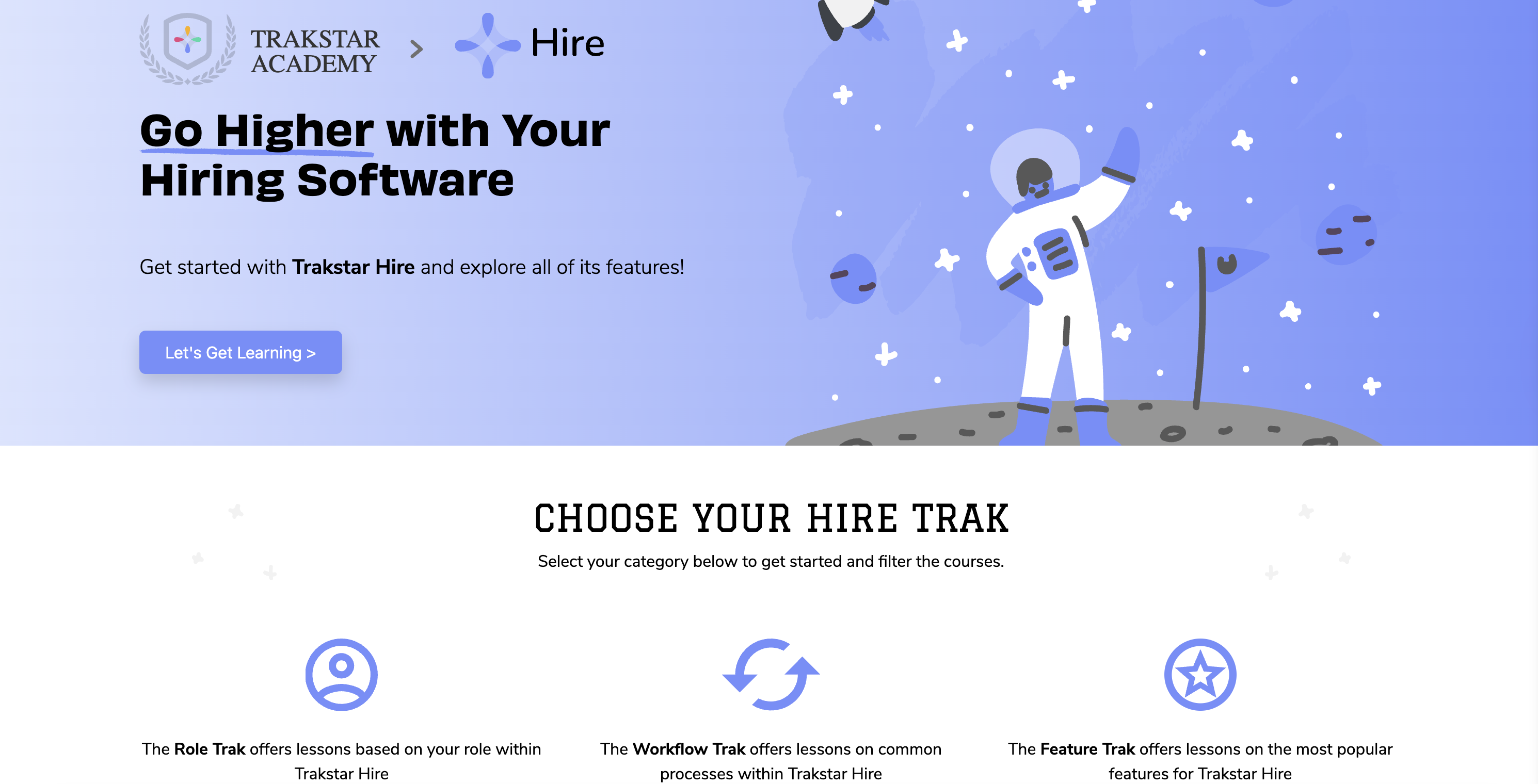
How to access Trakstar Academy
- Navigate to Trakstar Academy.
- Select the course you'd like to take from the main page.
- Click Get Started to launch the course in Trakstar Learn.
- Create a Trakstar Learn account by completing the self-registration process.
Note: Your Trakstar Learn login is separate from your Trakstar Hire or Trakstar Perform login credentials.
If you've previously taken a Trakstar Academy course:
- Click Already have an account? Log in.
- If you don't remember your password, select Forgot password? to reset it.
Troubleshooting
I'm being redirected to the login page instead of the registration page
If you don't already have a Trakstar Learn account but are continually redirected to the login page, try opening Trakstar Academy in a private or incognito browser window and attempt the registration process again.
Still need help?
If you're still unable to access your training, contact the Trakstar Hire Support team at hire@trakstar.com for assistance.